Browse the Web
Browse the Web
Browse the web, add bookmarks, and access browser settings to clear history and block or unblock pop-ups.
INSTRUCTIONS & INFO
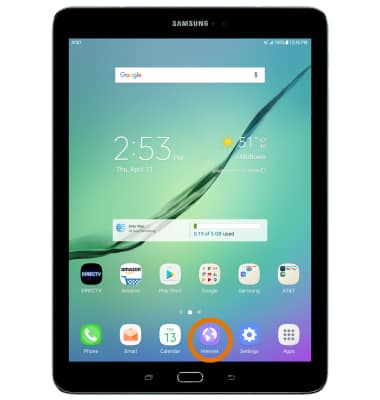
- ACCESS BROWSER: From the home screen, select the Internet app.
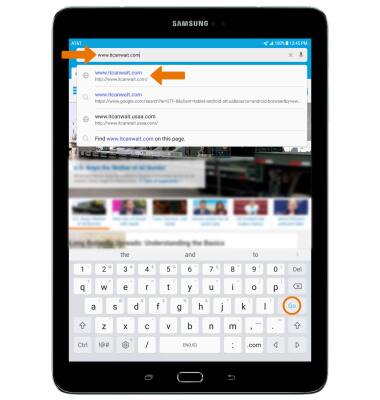
To navigate to a website, select the Search field, enter the desired website, then select a Suggestion or Go.
BOOKMARK A SITE: Select the Menu icon, then select Add to Bookmarks.
Note: Bookmarks can also be created by selecting the Favorites icon in the Search field.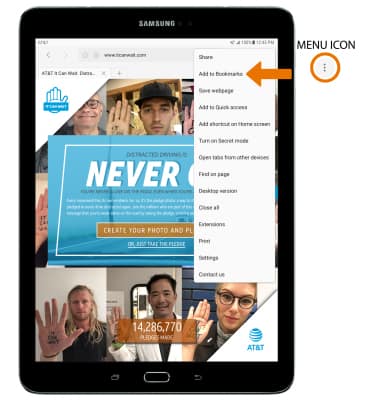
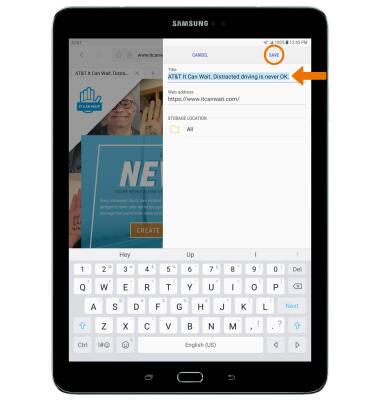
Enter the desired bookmark name, then select SAVE.
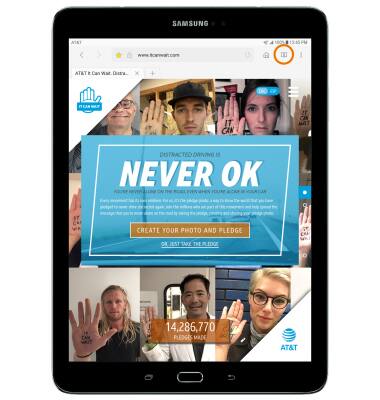
ACCESS BOOKMARKS: Select the Bookmarks icon.
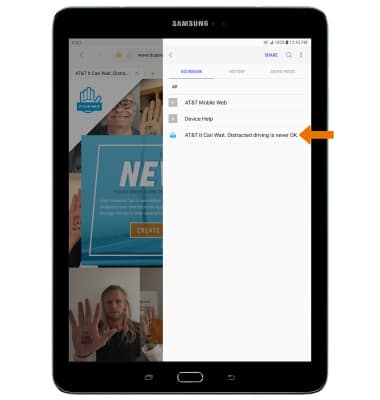
- Select the desired bookmark.
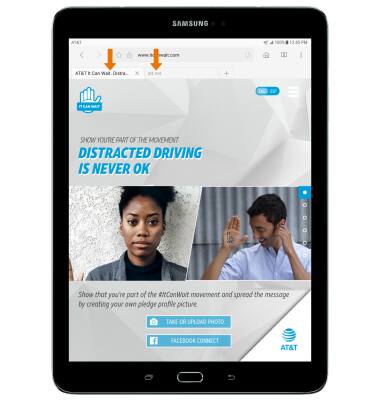
ACCESS BROWSER TABS: View your Open tabs under the web address field. To open a tab, select the desired tab.
OPEN A NEW TAB: Select the New tab icon.
Note: You can also select the Menu icon and then Turn on Secret mode to open a Secret mode tab. Secret mode helps you protect your privacy while browsing the internet. When in secret mode the browser background changes to dark grey. Secret mode has a separate bookmark list that can be password protected. When you turn off Secret mode, all history and cookies are deleted. To set a Secret mode password from the browser select the Menu icon > Settings > Privacy > Secret mode security.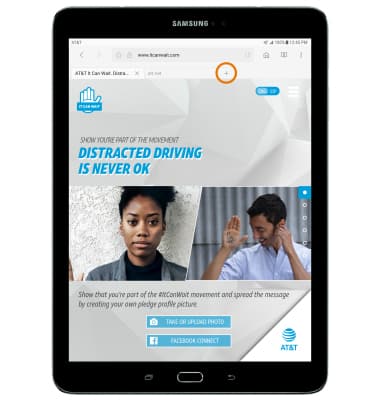
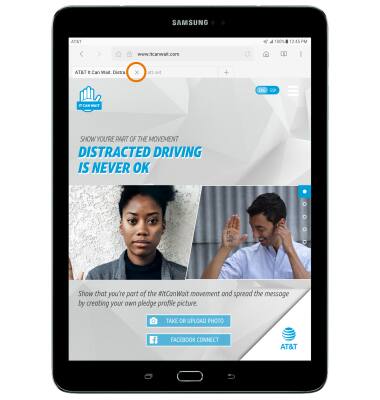
CLOSE A TAB: Select the X icon on the desired tab window.
- CLOSE ALL TABS: Select the Menu icon, then select Close all.
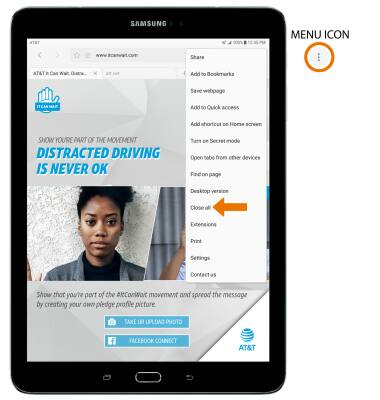
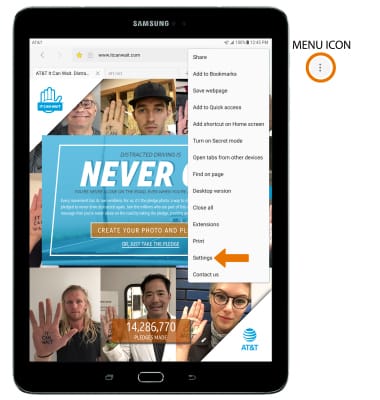
ACCESS BROWSER SETTINGS: Select the Menu icon, then select Settings.