Gestures & Motion
Gestures & Motion
How to view notifications, access Quick settings and view apps tray.
INSTRUCTIONS & INFO
In this tutorial, you will learn how to:
• Access and edit notifications and Quick Settings
• Access additional apps
Access and edit notifications and Quick Settings
To access Notifications, from the home screen, press the down navigational button. Notification will be displayed.
Note: Press the Select button to view a notification. Press the left option button to dismiss a notification. 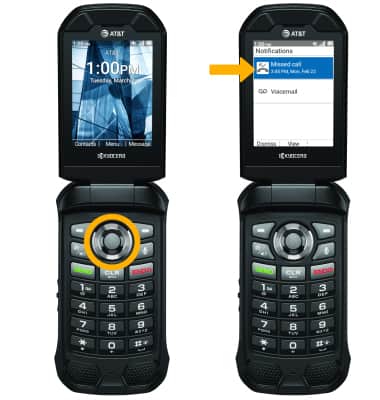
To access Quick Settings, from the home screen press the right navigational button. 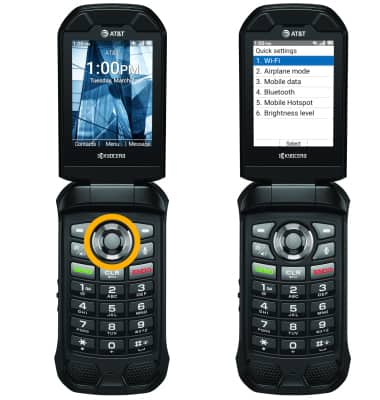
Access apps
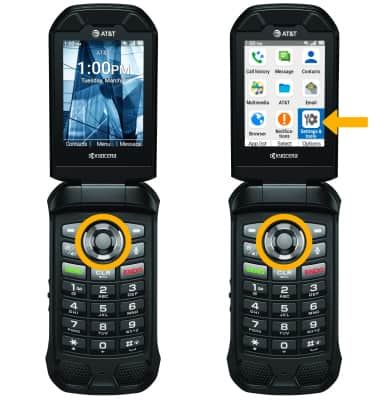
From the home screen, press the Select button to access the Apps tray.