Camera & Video Settings
In this tutorial, you will learn how to:
• Set a timer
• Turn the flash on or off
• Access camera modes
• Select a filter
• Turn live photos on or off
• Adjust additional camera settings
To access the camera, from the home screen, select the  Camera app.
Set a timer
From the Camera app, select the  Timer icon then select the desired option.
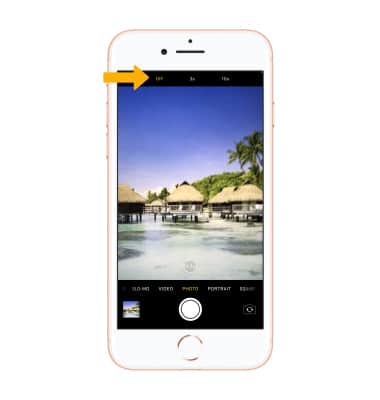
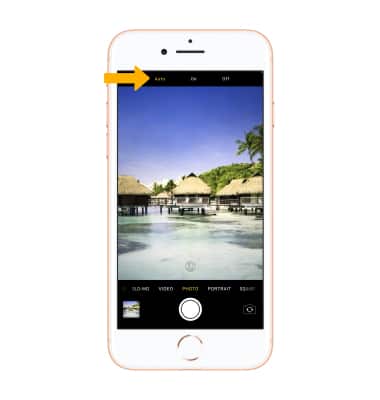
Turn the flash on or off
From the Camera app, select the  Flash icon then select the desired option.
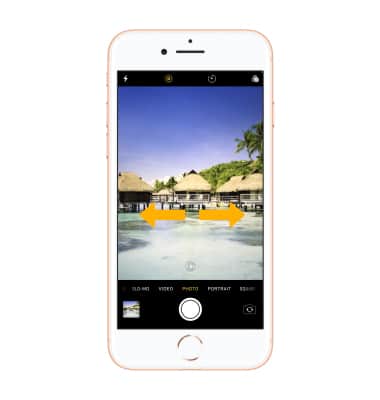
Access camera modes
Swipe left or right to switch camera modes, which include Time Lapse Video, Slo-mo Video, Video, Photo, Portrait, Square, and Pano.
Select a filter
Select the Filter icon then select the desired filter.
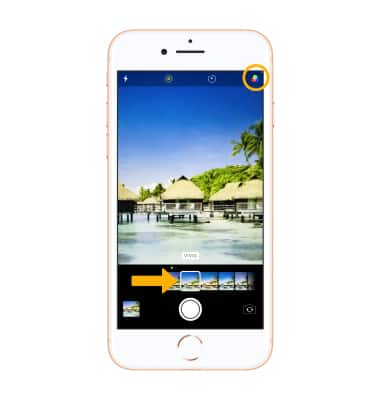
Turn live photos on or off
Live Photos is enabled by default. Live Photos record what happens 1.5 seconds before and after you take a picture. To enable or disable Live Photos, from the Camera app, select the  Live Photos icon.
Note: Turn off live photos to save camera memory.
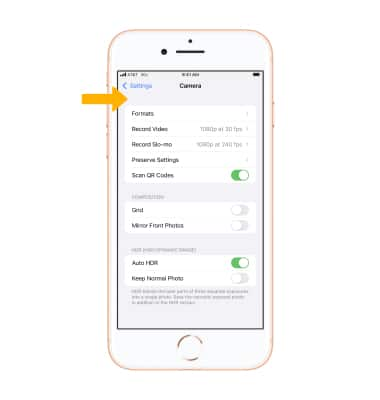
Adjust additional camera settings
1. From the home screen, select the  Settings app. Scroll to and select Camera.
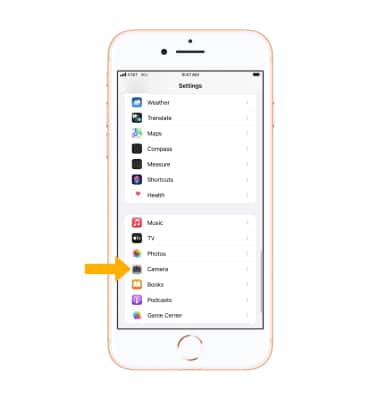
2. Adjust Camera settings as desired.
Note: If you are you having trouble taking pictures or video on your iPhone, click here.